
24 HOURS RADIO:-
INSTRUCTIONS:-
(1) Right click on the pic and save it. Please make sure you remember the folder you are saving this picture into.
(2) Scroll down to look for ‘Upload Image’ below. Click on it.
(3) Look for the folder you saved your picture in earlier. Upload the pic you saved earlier and you can start your coloring activity.
TIPS-
- Color tones can be changed by using the ‘Brightness’ tool (to make the color lighter or darker).
- Try out all the tools (Zoom, Move, Pencil Thickness, Download).
- Don’t forget to download your artwork after you have completed your coloring.
| SAMPLES | Select a picture to download | |
| COLORING WORKSHEET #1 |  |
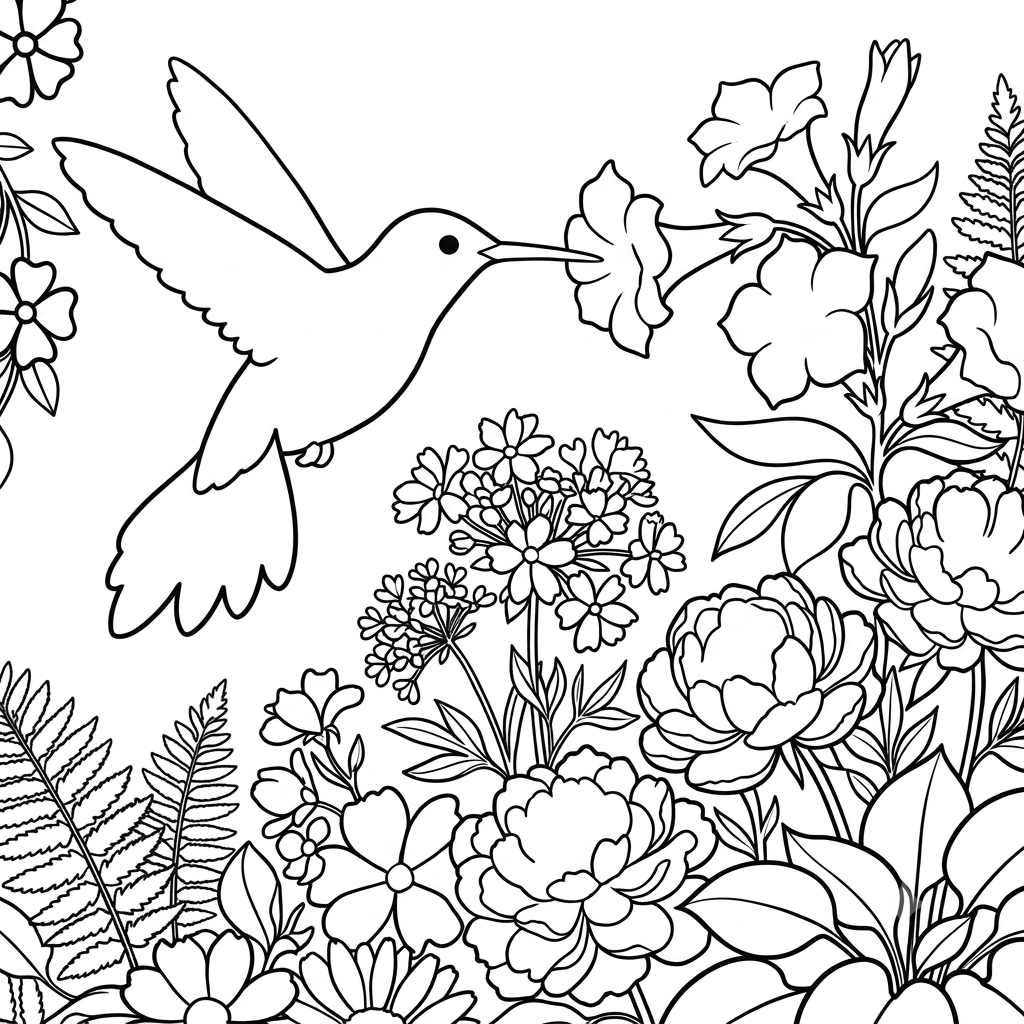 |
| COLORING WORKSHEET #2 |  |
 |
| COLORING WORKSHEET #3 |  |
 |
Happy coloring!